How to setup Slack Notification
To create a Slack webhook, first create a new Slack app, then navigate to Incoming Webhooks in its settings and activate it. After activating, click Add New Webhook, select the desired channel, and click Install. Slack will then provide a unique Webhook URL that you can copy and use to post messages to that channel.
Steps
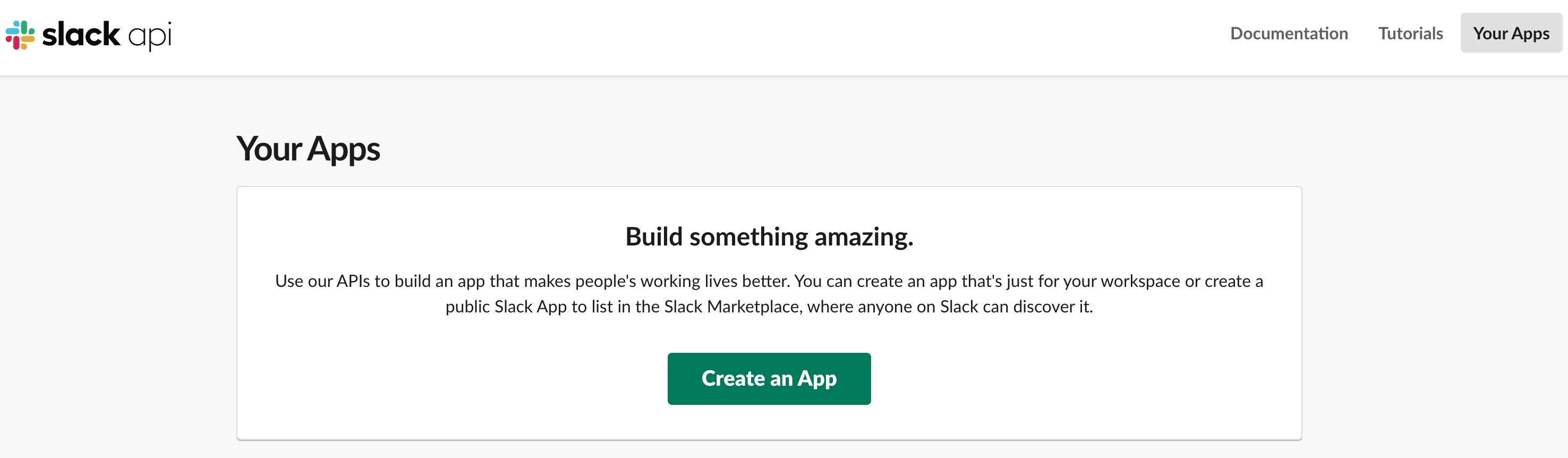
1. Go to https://api.slack.com/apps. Authenticate if needed.
2. Create App.
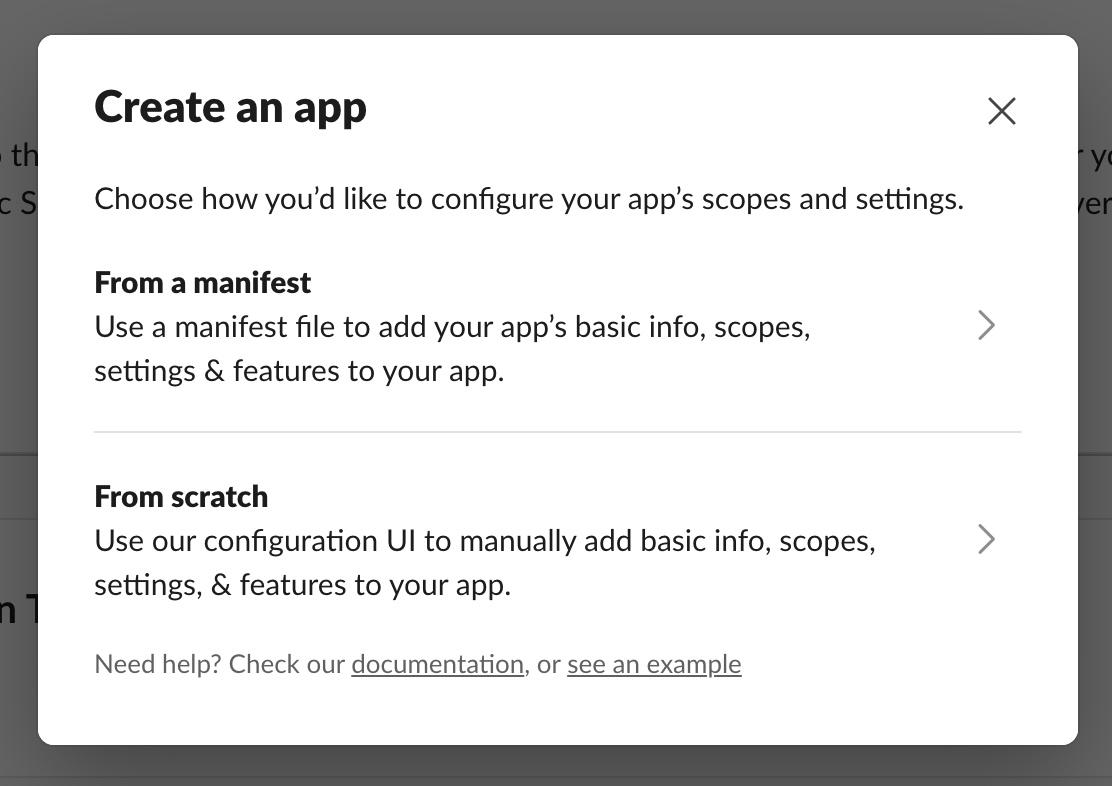
3. Choose "From Scratch".
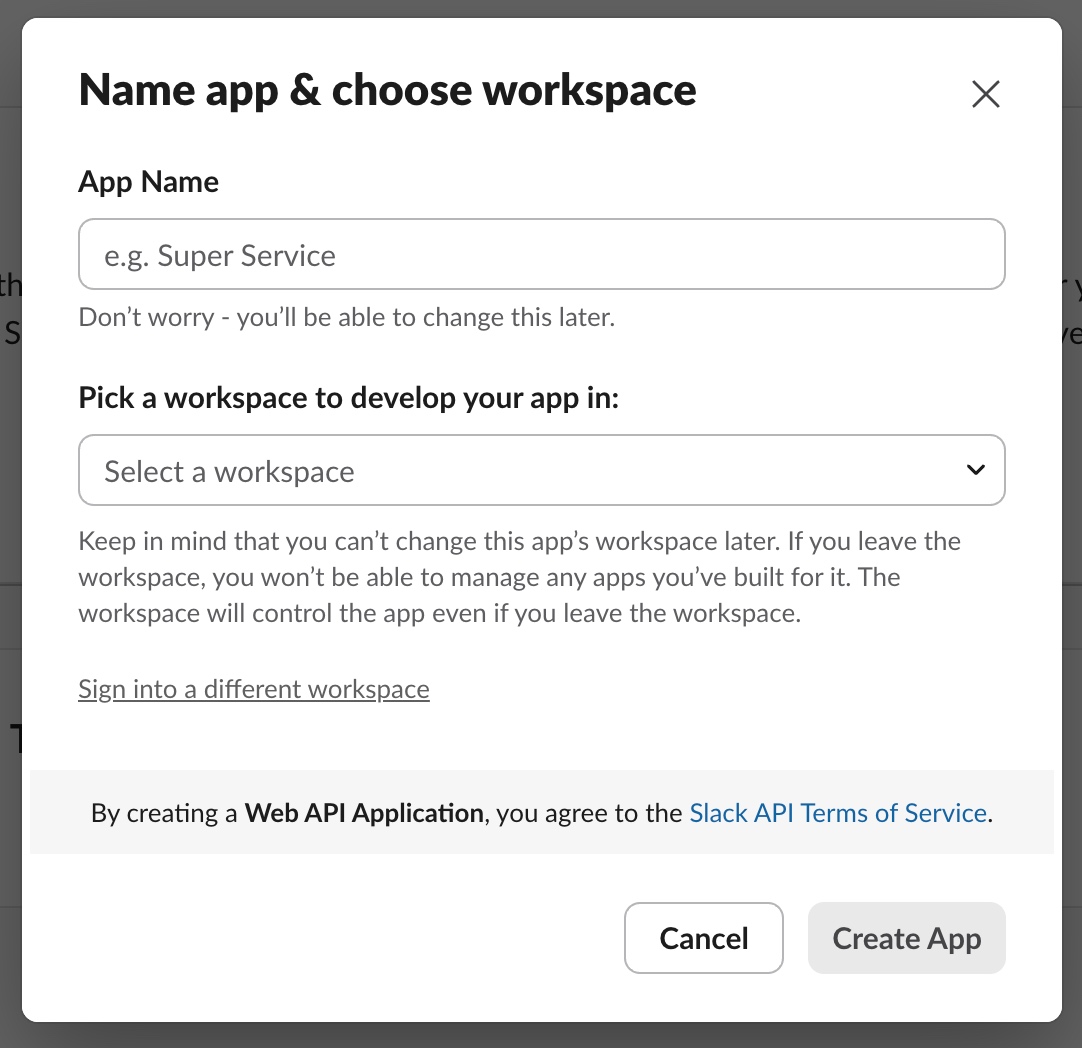
4. Name your App and select workspace.
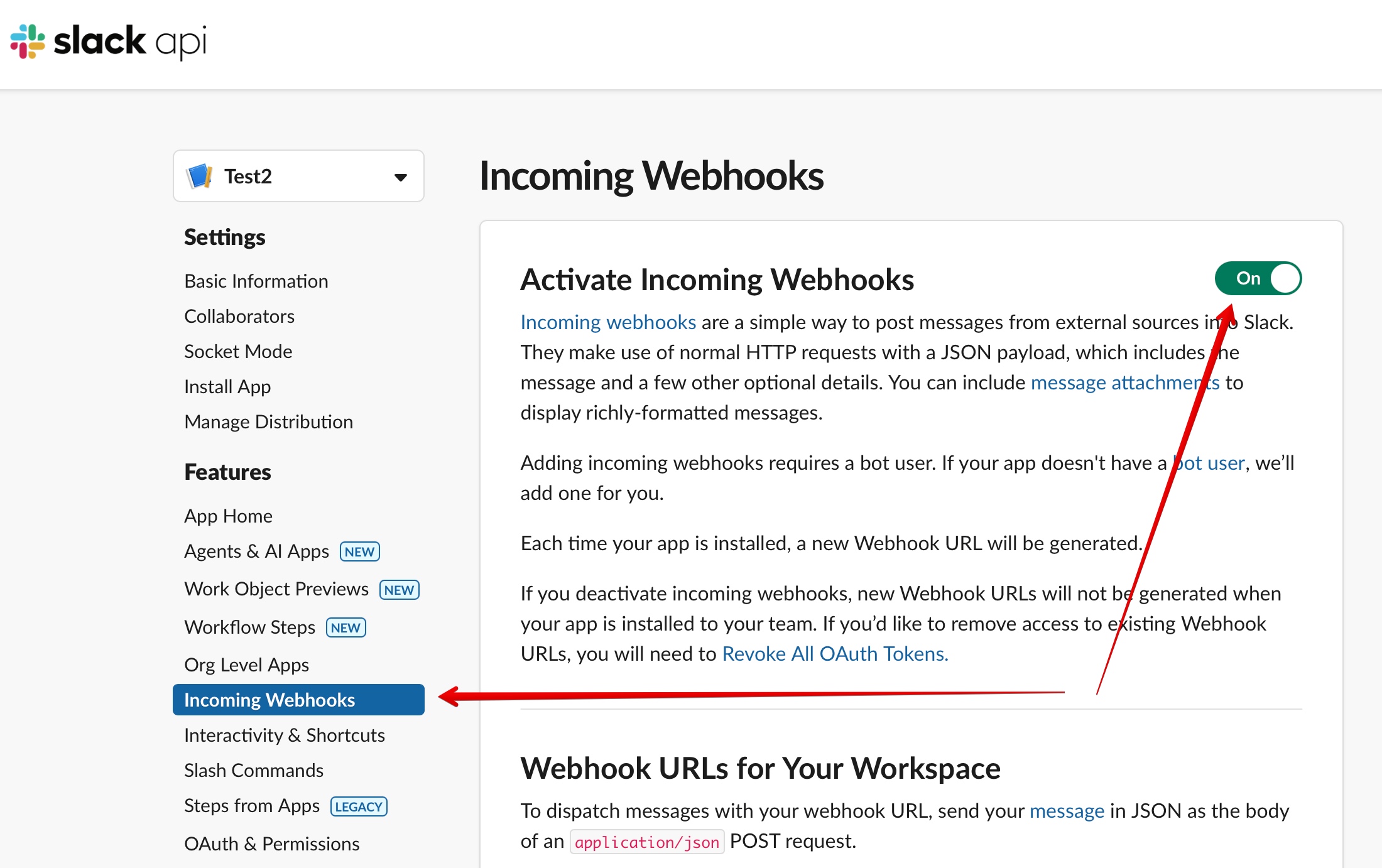
5. Select "Incoming Webhooks" and activate it.
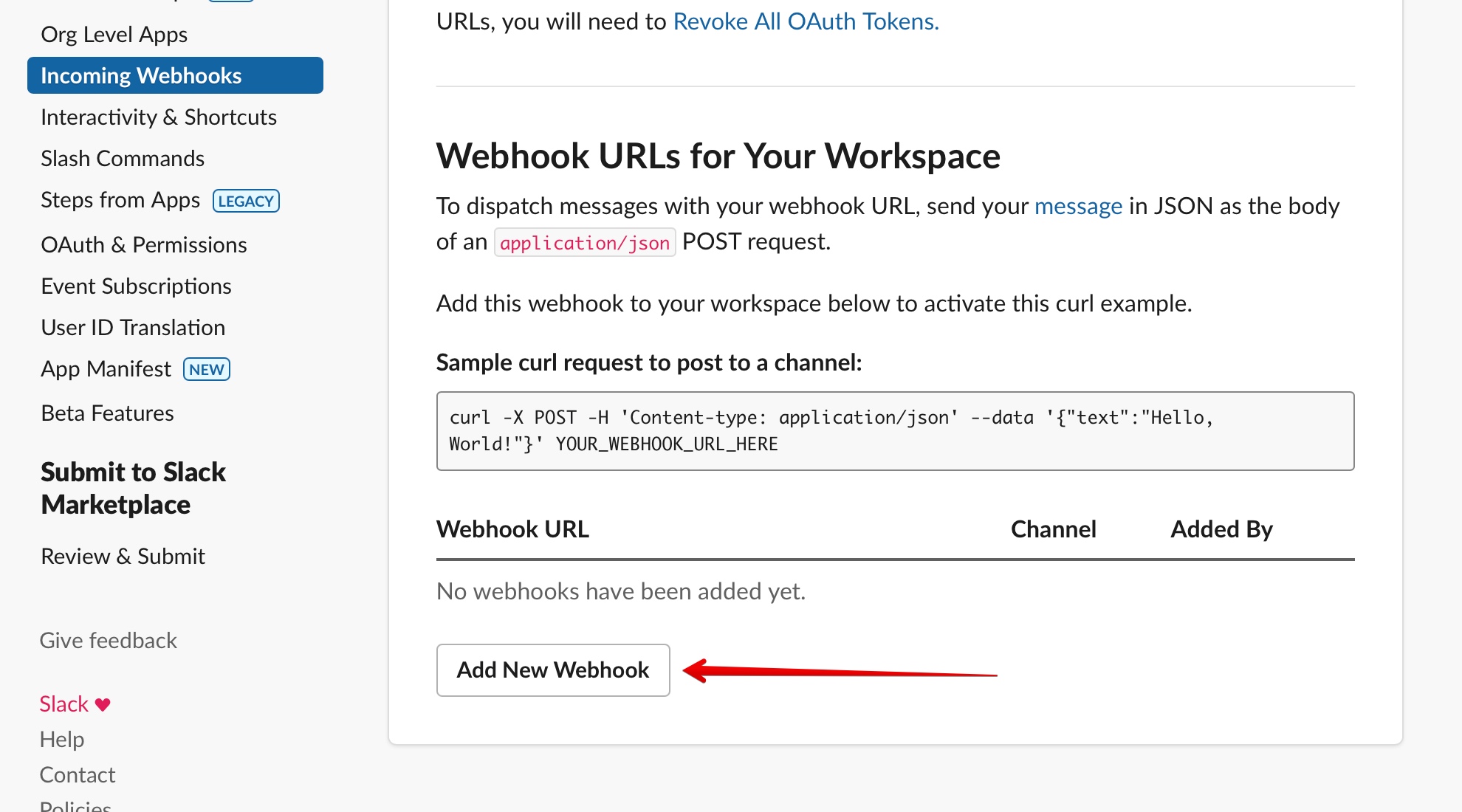
6. Scroll down and click "Add New Webhook".
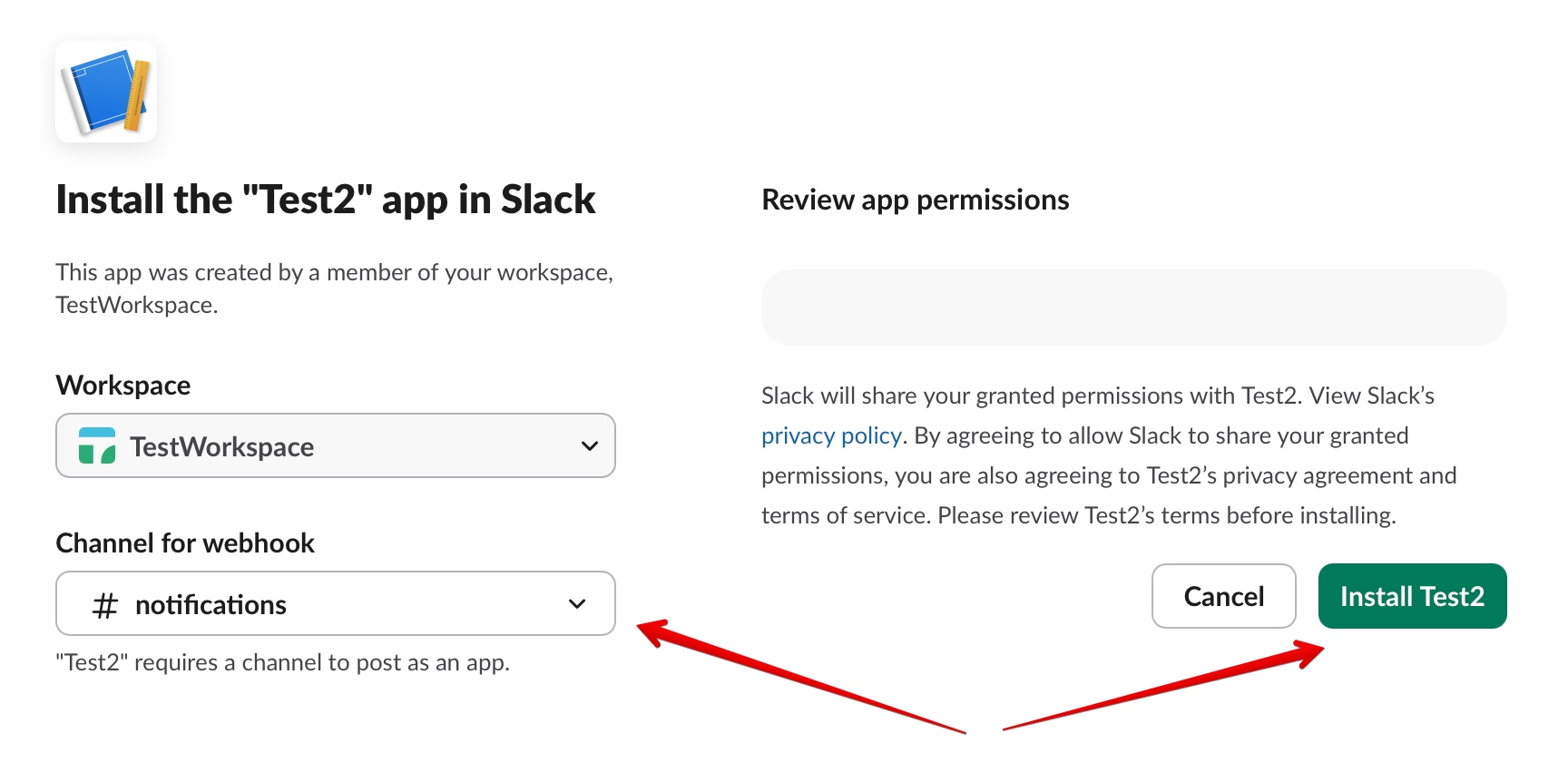
7. Select "Workspace" and "Channel for webhook". Then click "Install" button.
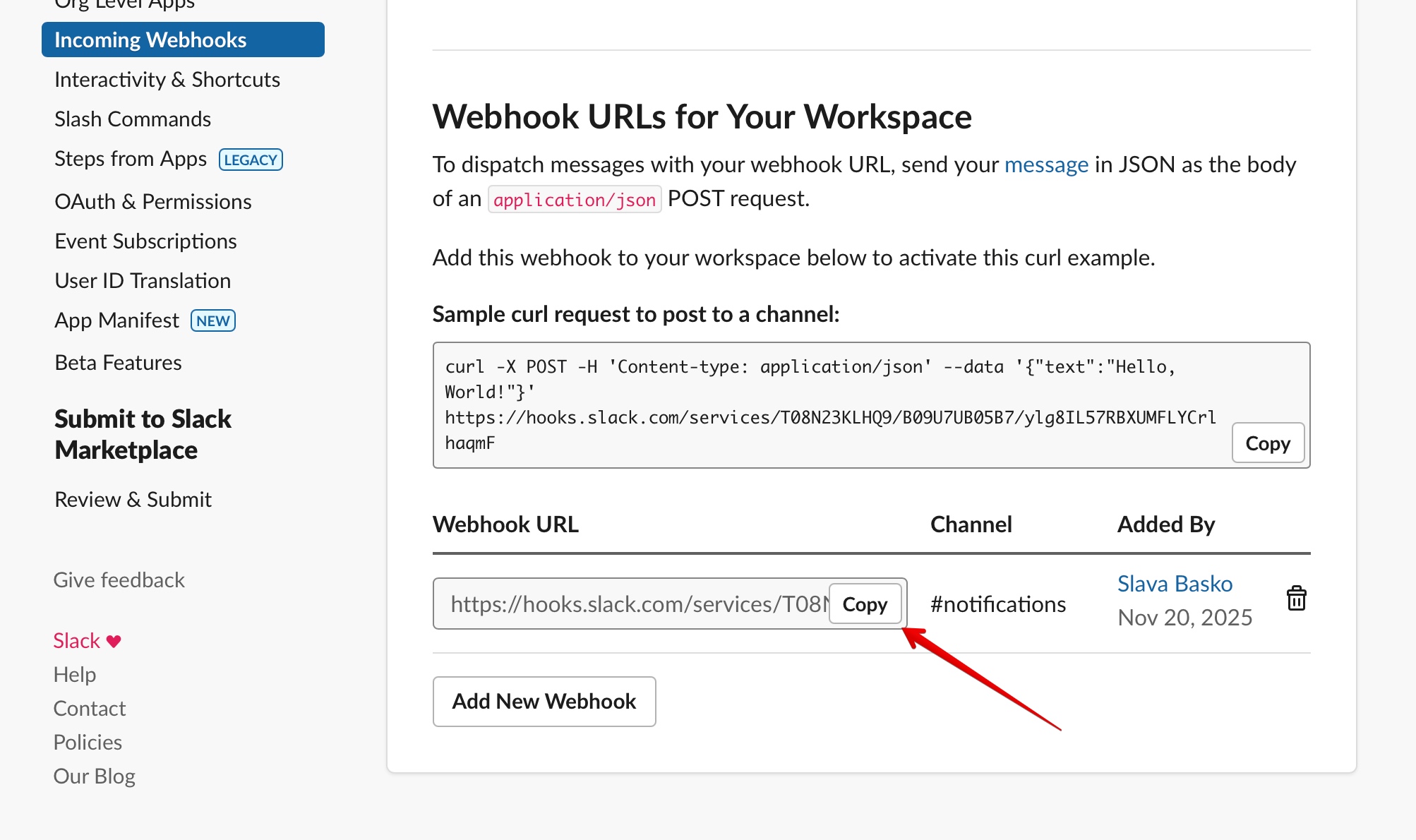
8. Copy webhook URL to the AppChecks notification creation form.
Done!
Still have a question? Write us to support@appchecks.net.